Christmas and New Year trading hours: how to update Google, Apple Maps and your website before the holidays (Sydney 2026)
How Australian small businesses can set special Christmas and New Year hours across search tools without disrupting their standard opening hours in January.
By SyncMate
On this page
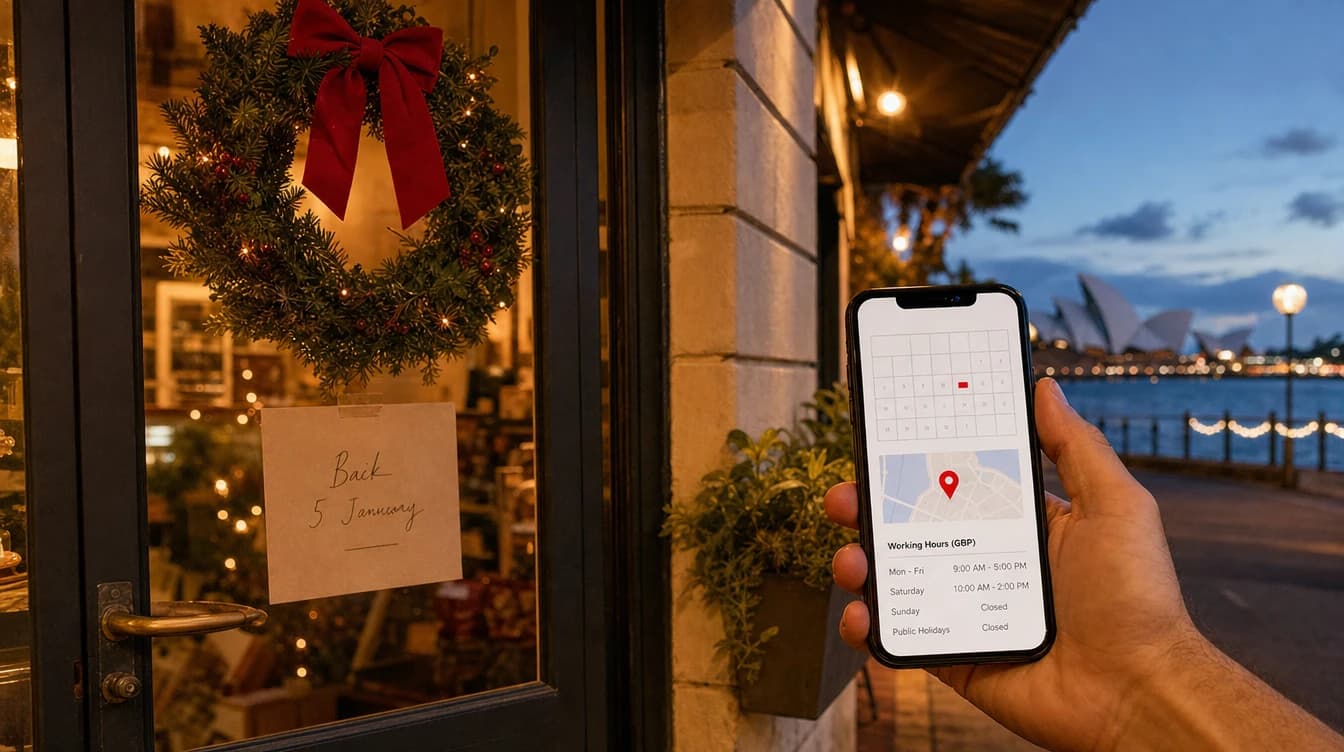
Closing for the Christmas break or running on reduced staffing can lead to confused customers if your online details are not updated. Conflicting hours risk missing out on jobs or leaving people stranded at a closed door. For Sydney businesses heading into the 2026 festive break, configuring special holiday hours keeps your details accurate across map tools, search directories, and your website.
Set special hours instead of changing regular opening hours
Editing your standard weekly hours to reflect a holiday closure creates extra work and risks future missed work.
A mistake we often see: holiday closures typed in as regular hours, so the business still shows as closed on Google well into January.
Something we do differently: we use each search tool's special hours feature rather than changing regular hours, so normal hours come back on their own after the break.
Using special hours marks your business as closed or on reduced hours for specific calendar dates. Once those dates pass, the system tends to restore your standard weekly timetable without requiring manual updates.
NSW public holiday dates and planning early
Planning your schedule early ensures your online operating times reflect your actual availability across the festive period.
Key dates in NSW include Christmas Day, Boxing Day and the additional Monday public holiday, New Year's Day, and Australia Day.
If you close for an extended shutdown between Christmas and early January, mark every non-trading day within that range.
You can review regional holiday details on our Sydney business details page.
Updating holiday hours step by step across search tools
A question we hear every December: 'Do I have to update my hours on every profile separately?' On most search tools, yes. Google, Apple Maps, Bing and Facebook each have their own holiday hours setting.
Another mistake: updating Google but not the website, so a customer sees 'open' in one place and 'closed' in another and doesn't know which to believe.
Following a structured process across each system helps keep all public details aligned before your shutdown begins:
• Log into your Google Business Profile, navigate to the hours section, and add special hours for each holiday date.
• Open Apple Business Connect to enter the matching dates for Apple Maps users.
• Access Bing Places and social directories to enter their respective holiday schedules.
• Edit your website contact page and header notices so that site visitors read the same opening times seen on search maps.
How emergency trades should display holiday availability
A mistake we see with trades: closing over Christmas without saying whether emergency callouts are still available, so urgent jobs go to whoever makes it clear.
If you offer urgent callout services while your main office or shopfront is closed, state this explicitly in your profile description and on your website.
Trade businesses managing emergency requests during the break can manage customer expectations through a few clear steps:
• Mark your primary location as closed for standard walk-in or office trade on public holiday dates.
• Add a clear note in your business description stating that emergency callouts remain active 24/7.
• List the dedicated emergency contact phone number prominently on your website homepage and contact section.
• Specify key callout conditions so customers know what to expect before requesting an urgent job.
Managing phone greetings and call handling over the break
Updating your online opening times is only half the task if your phone continues to ring unanswered while you are away.
An unstaffed line that rings indefinitely creates a poor impression for potential clients, and understanding what happens to missed calls shows why most callers move straight to another trade.
Setting up practical call handling for your holiday period involves several straightforward adjustments:
• Record a concise voicemail message stating the exact dates your business is closed and when normal operations resume.
• Configure call forwarding on your mobile handset if urgent enquiries need to reach an on-call team member.
• Test your voicemail or call divert setup from a secondary phone before leaving for the break.
• Provide an online contact form on your website for non-urgent enquiries to be reviewed upon your return.
Checking your hours after the holidays
Something we do differently: we check every profile again in the first week back, because a missed expiry date can cost the first jobs of the new year.
Performing a quick verification search on your first morning back helps ensure your public profiles display your regular trading times correctly.
Reviewing your business details across multiple devices can catch display issues early:
• Search for your business name on both a mobile phone and a desktop computer to verify standard hours appear.
• Check your Google, Apple Maps, and Bing profiles to ensure no unconfirmed closure banners remain.
• Confirm that your website contact page displays standard trading hours without outdated holiday notices.
From SyncMate
How SyncMate helps
How SyncMate helps: LandMark(by TRC) is the local search product that keeps a business findable and correctly described on Google, Apple, Bing and the AI assistants. SyncMate is a managed service sold on a 15-minute call, not self-serve software. It costs $150 a month including GST for the first three months, then $250 a month. There is no lock-in contract, you can stop any time, and your data comes with you.
Frequently asked questions
Log into your Google Business Profile, go to the hours section, and add special hours for each holiday date so your standard weekly opening times revert automatically after the break.
How this article was made: drafted with the help of AI from SyncMate's own information and first-hand experience, then fact-checked and edited by SyncMate on 20 October 2026.
Related articles


Configuring your holiday hours correctly prevents missed work and avoids frustrating customers over Christmas and New Year. By using special hours features across map services and updating your website contact details, your standard timetable can resume smoothly when you return. Taking these practical steps ensures a clear experience for your clients and a worry-free break for your business.